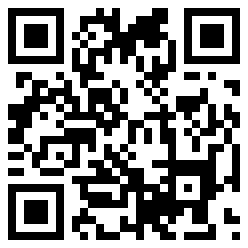
To see what the code does, first you will need a smart phone (despite my fondness for apple computers, I have an Android Galaxy S Phone which I really like).
You will need to install barcode scanner software (I installed Barcode Scanner from ZXing Team, which I read about here).
Once you install the software, open the program and point it at the image above and it should bring up a link to eWillys on your phone. I thought it was cool!
To generate your own Code for your business (or for any reason), you can drop by kaywa.com. It takes only a few seconds to generate one.